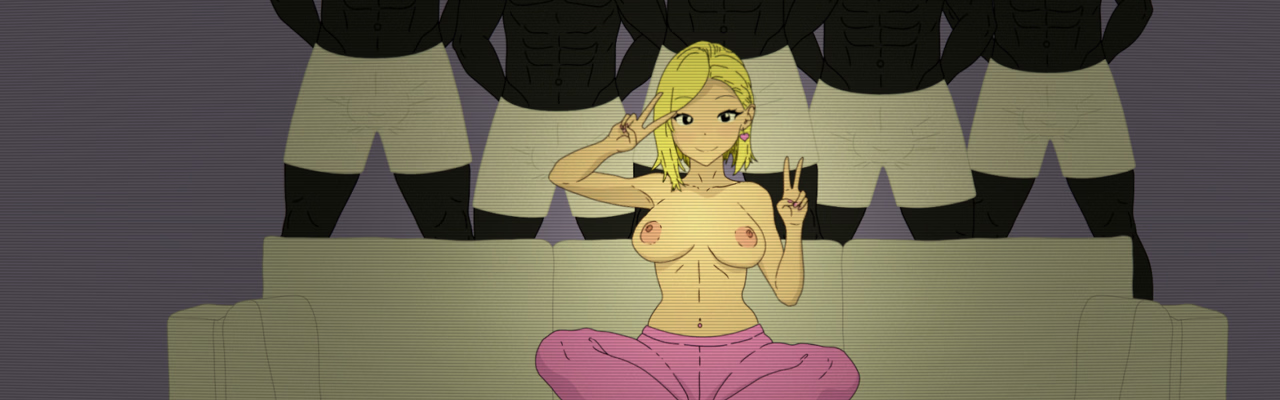

![TranceParent [v0.6.0] [TranceParentDev]](https://f95zone.to.it/wp-content/uploads/2025/05/4878902_nsfw_banner.avif)
TranceParent [v0.6.0] [TranceParentDev]
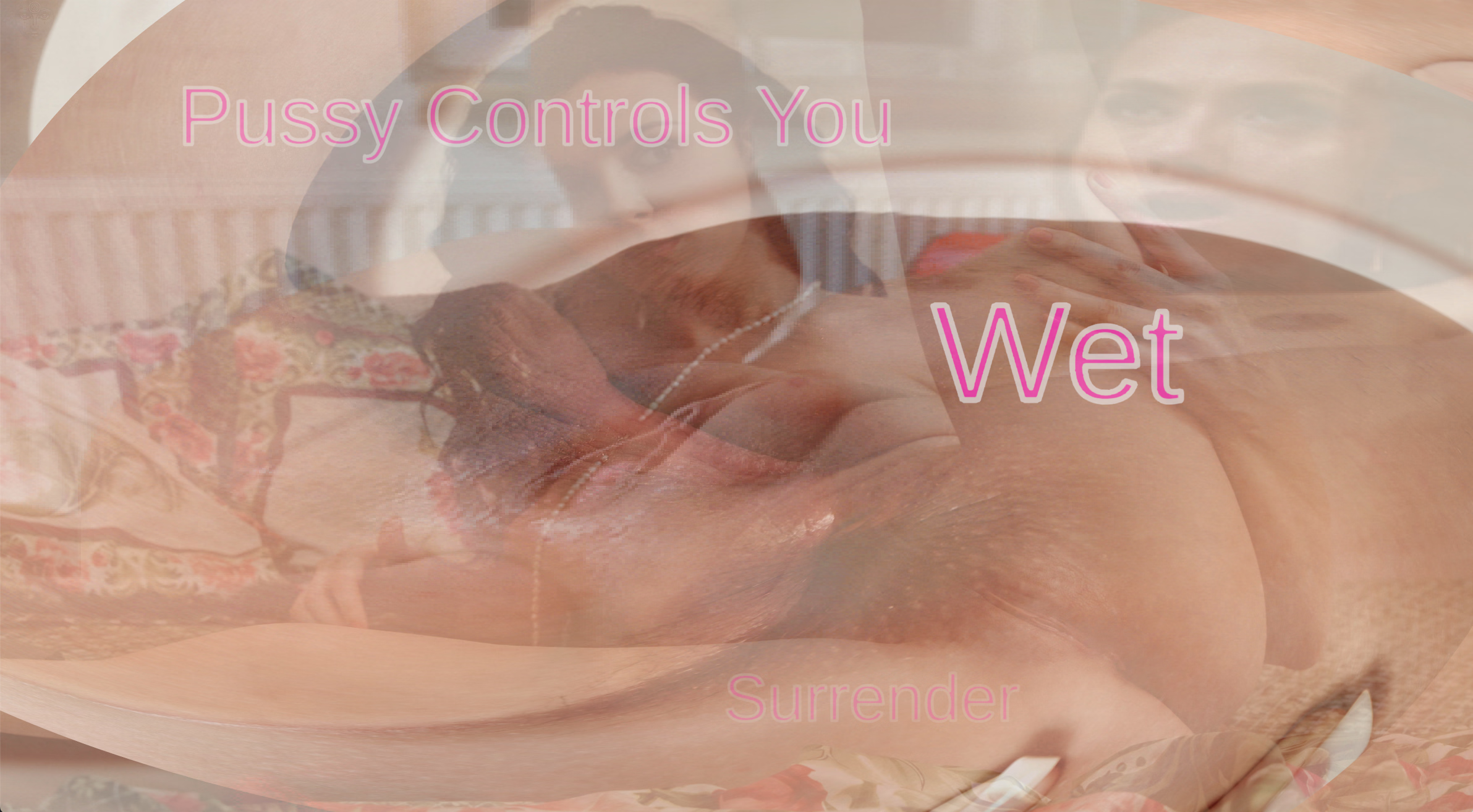
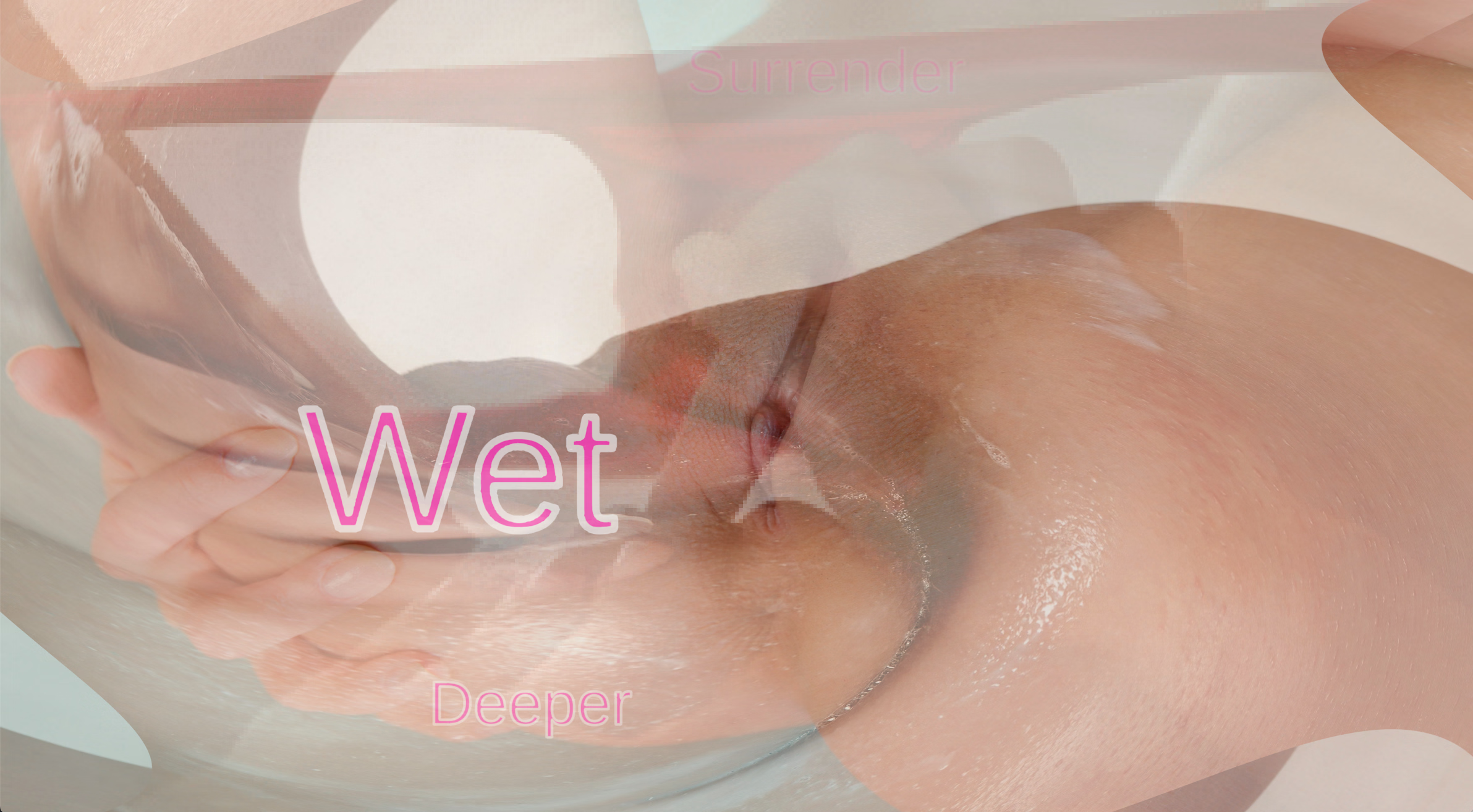
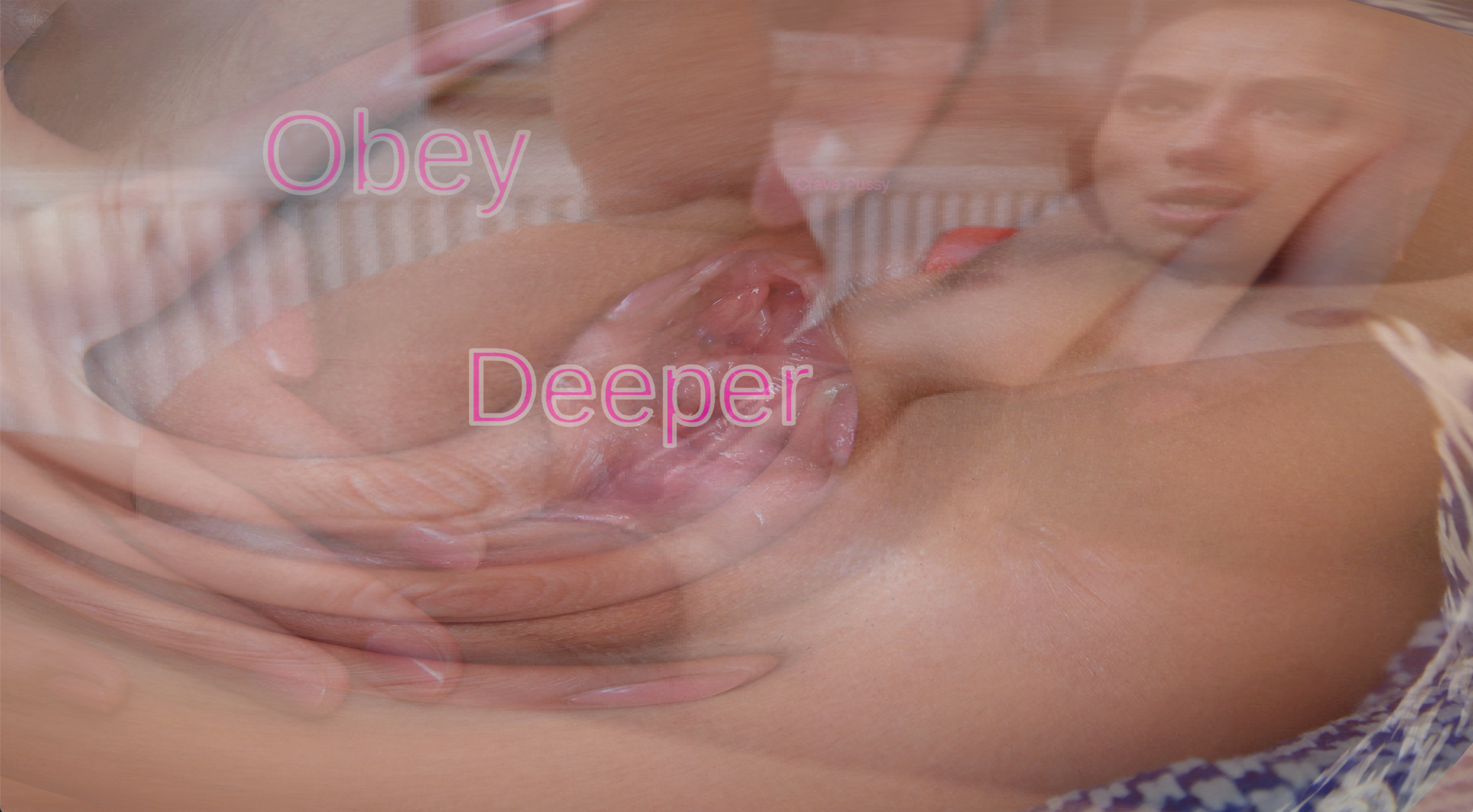
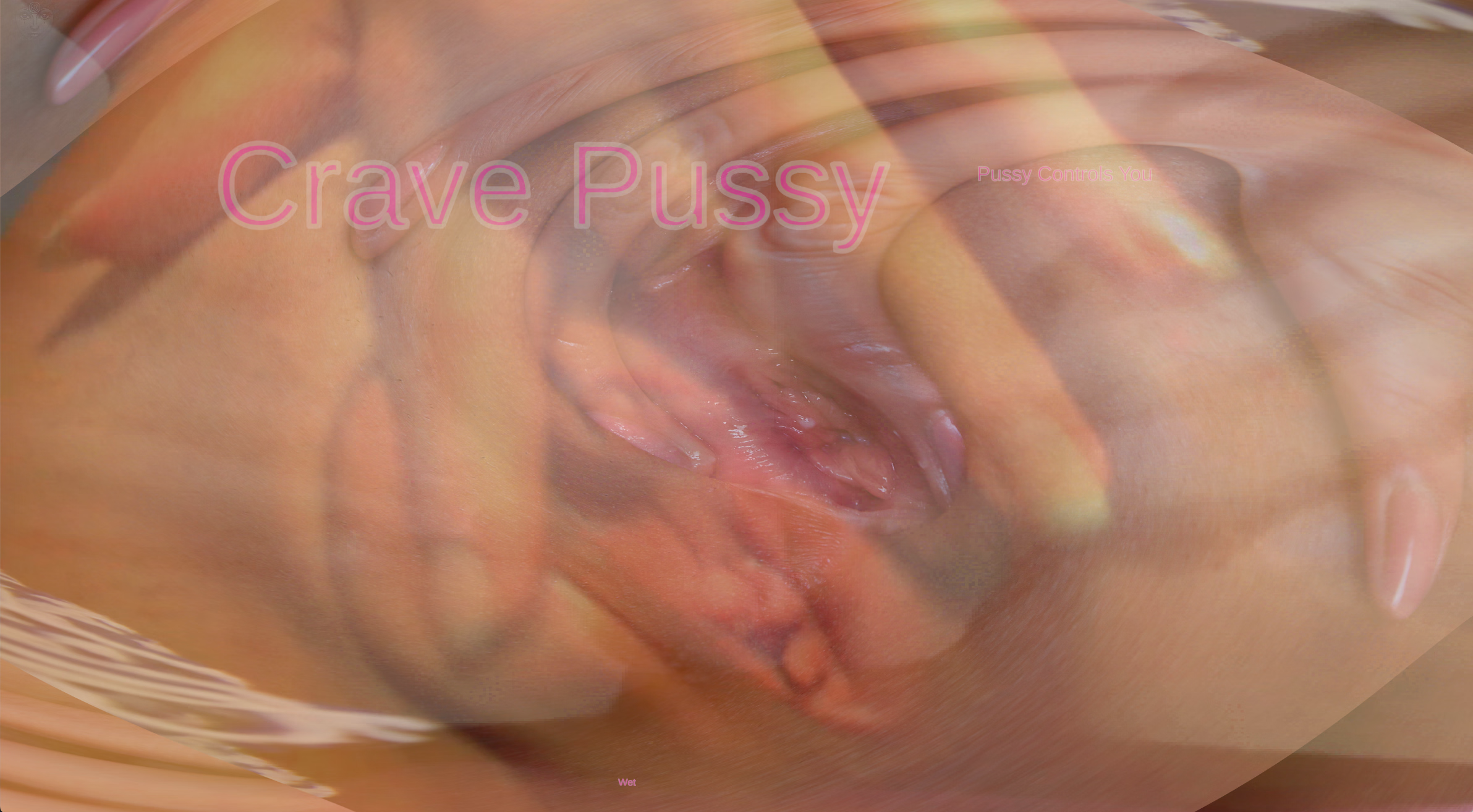
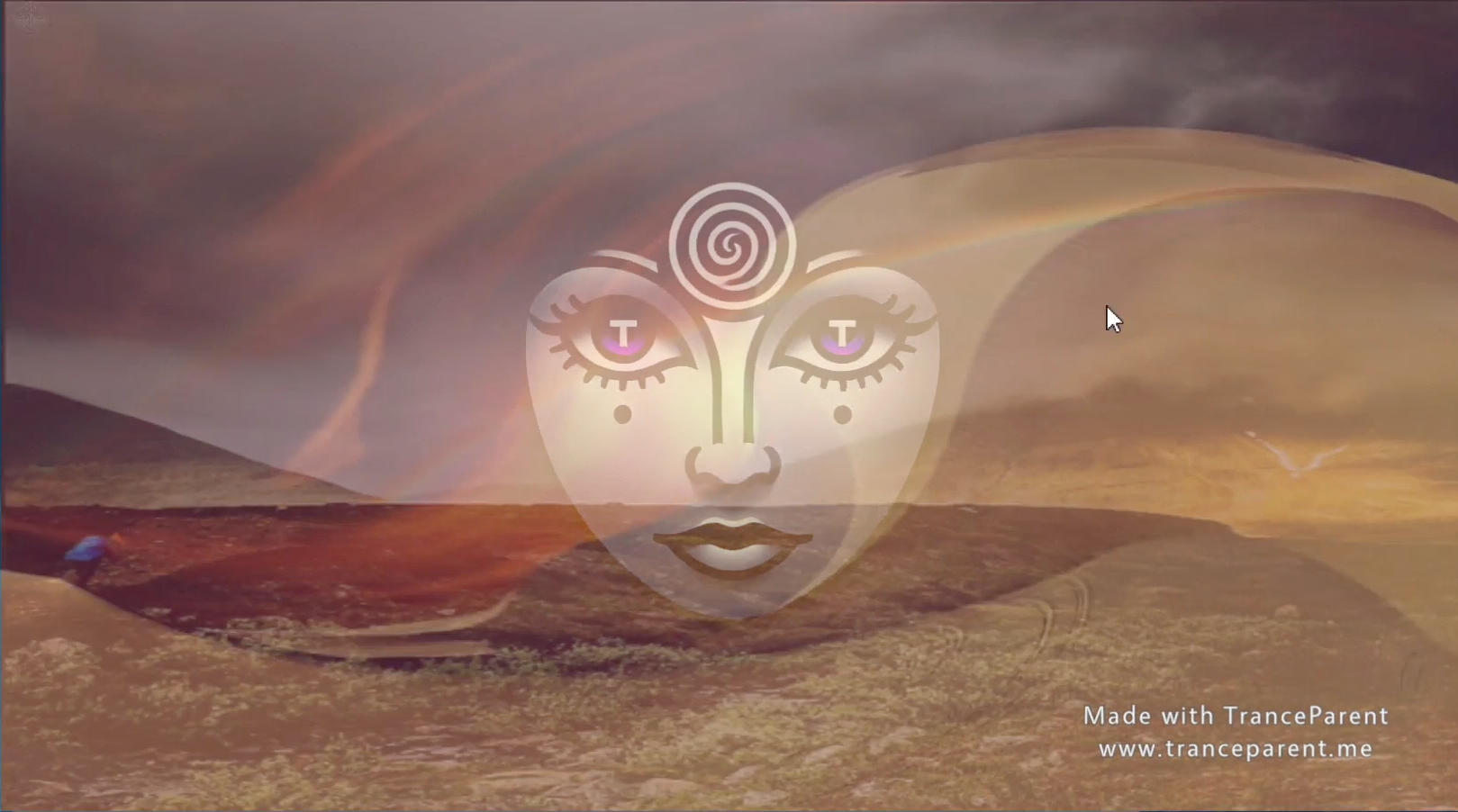
TranceParent is a new way to view your media! You can use it to do self hypnosis, goon your brains out, femdom hypno, make custom PMVs or whatever else you can imagine. It works by letting you load in a folder of images, gifs, videos, mp3s or other media into semi-transparent layers. Then it will randomly cycle through those media files even allowing you to create spirals out of any images. Set up multiple layers with different transparency levels and you can stack up the perfect combination. There are many other features as well!
Thread Updated: 2025-07-10
Release Date: 2025-07-10
Version: 0.6.0
OS: Windows, Linux, Mac, Android
Language: English
Genre:
See More
Real Porn, Animated, Voiced, Mind control, Mobile Game, Creampie, Female domination, Handjob, Milf, Oral Sex, Vaginal sex
Installation:
See More
1. Extract and run.
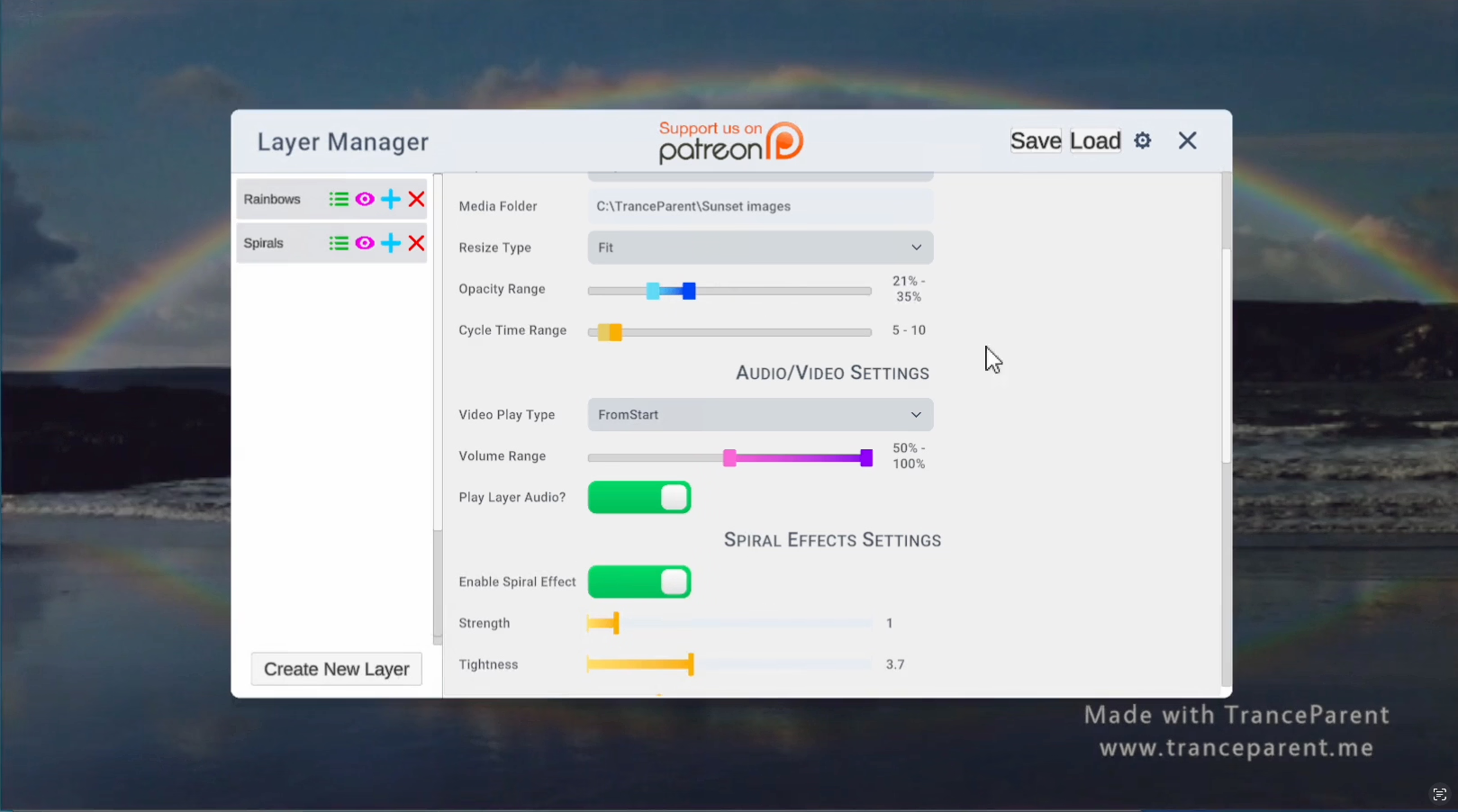
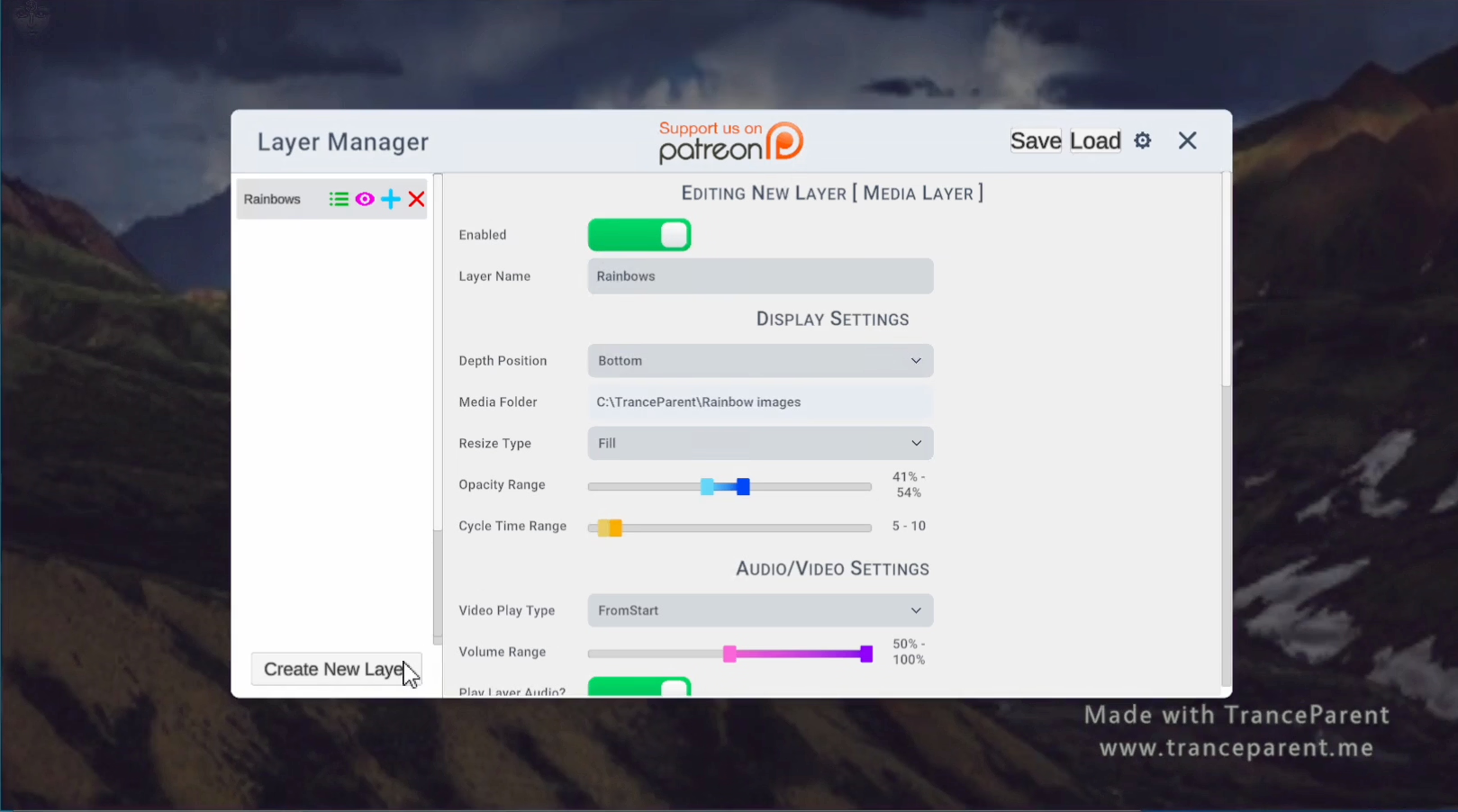
2. Click the icon in the upper left and create a layer
3. Click the Media Folder field to browse to a folder of your media
4. Enable the Layer
5. Enjoy!
If you need help figuring out how to create layers or add media, watch the youtube video here: Youtube Tutoral
Changelog:
See More
See More
I’ve been wanting to make this system for a while now and now that its ready, its gonna change everything! Effects can be added to your layers by clicking the Add Effect button at the bottom of the Layer Settings for each layer. There are currently some limitations and probably quite a few bugs with some of these effects, so feel free to play around with them and report any issues found on discord.
Currently you’ll only be able to have one “Shader” Effect active per layer, these effects have (Shader) in the name so that its clear. In the future this won’t be an issue as there are ways to overcome this limitation, but they are a bit complicated so I’ve delayed that. Also if after adding a setting to the layer, it doesn’t show the options for it, simply click the layer in the left bar to reload the settings. This is a bug that occasionally happens.
Here is a list of the effects coming in this release:
Spiralfy (Shader) – Free
This effect distorts the layer to create a spinning spiral out of the image data and has settings to adjust the speed, strength and direction of the spiral. This is the same effect that was in previous releases, but includes an update to allow changing the direction by moving the Time Scale to the negatives.
Colorize Lite – Free
This effect lets you adjust the RGB color values of the media layer. It has sliders for Red, Green and Blue values as well as a slider for Brightness. Because it doesn’t use a shader it has some limitations, thus the Lite name. In the future a shader version of this will be released that is able to have a much stronger effect.
Monochromatic (Shader) – Supporter
This effect strips the colors from your media layer dropping it down to Black & White, the settings provided make it much more special than that however! You can adjust the strength of the effect to bring back some of the color as well as change the colors for black and white making it whatever combination of colors you’d prefer. If you choose a color other than black and white, you’ll need to increase the saturation level to ensure you can see it. You can also adjust contrast and brightness for some really cool effects!
Strobe Lights – Supporter
This causes the layer to have a strobe light effect that flashes a light with varying frequency. This effect comes with a warning not to use it if you are prone to seizures or have epilepsy as it can potentially trigger seizures. It has settings for Frequency, Intensity, Duration, Randomization and Strobe Color. If it doesn’t begin flashing right away when you add it to your layer, you may need to set the color, white should be fine to use, but you can also change it to any other color you prefer.
Fader – Hypno Enthusiast
This effect causes the media layer to fade in and out according to a pattern and following the limits you choose. The Minimum and Maximum Range settings controls the opacity ranges that it will fade between. The Fade speed controls how fast it cycles. Fade Pattern is the pattern it uses to transition between the ranges specified and lastly Override Opacity ensures that it follows this pattern without being reset each time the media layer cycles.
Glitchy (Shader) – Hypno Enthusiast
This is a big one, it will likely be split up into multiple effects in the future as its really made up of a bunch of different effects. The primary Glitch effect has Intensity and Frequency Settings it causes the layer to shake or twitch in different ways. RGB Split has Amount and Speed and it causes the colors to split and slide around. Scan Lines has Intensity, Speed and Count and applies a scan lines effect based on old tv screens. Digital Distortion has Amount and Speed settings and applies a twisting effect on the Media layer that goes back and forth. Color Shift has Amount and Speed and it is similar to RGB Split but shifts all the colors on top of the regular image like a ghost image. Lastly Noise has Intensity and scale and applies a noise pattern to the image. All of these sub effects can be disabled by turning the amount or intensity values to 0.
Change Log:
- Changed the way Full Screen works to hopefully improve the way it works.
- Fixed a bug with the Font Size Slider in the Text Layer.
- Added Instructions on the default Layer Manager window for drag and drop of left bar items.
- Added a new Preview Mode button which hides the Layer Manager window until you click again so you can quickly see what the current session looks like with your current settings. You can also hold the space bar to enter preview mode, letting go of the space bar exits it.
- Added Recursive Folder support ( aka sub folders) so that it will load not just the media in the folder selected but also all sub folders. Be careful with this as it could potentially load way too many files if you have a very nested folder.
- Spiralfy now allows you to change the direction by using negative Time Scale values.
- Added a new Effects button to the Media Layer Settings at the bottom for adding Effects to your layers.
- Added Spiralfy, Colorize Lite, Monochromatic, Strobe Lights, Fader and Glitchy Layer Effects.
- Added notifications for expired unlock codes
- Added notification system for future use of errors and notices
- Recoded the way the unlock code system works on the back end to include messages
- Other Bug Fixes
See More
One of the major things that has been needing attention is the Text Layer, this update addresses that and fixes the bugs with the layer positions and even adds some new ones.
It also has the first part of the Effects system created. For now the only effect is the spiral effect that was previously just baked into the Media Layer. Now you can add this effect by clicking on the Spiral Icon in the upper right corner of the layer settings for any media layer. You can remove the effect by clicking on the red X button on the section in the layer settings for the effect.
In the future there will be a button for add effect at the bottom of the layer settings, which will prompt a menu that provides a list of available effects for the layer type you’re on. I think this feature will be very exciting and constantly expanding with new layer effects for all layer types. It will also allow us to keep the settings simple and clean, only adding the settings for your desired features.
Change Log and Bugfixes:
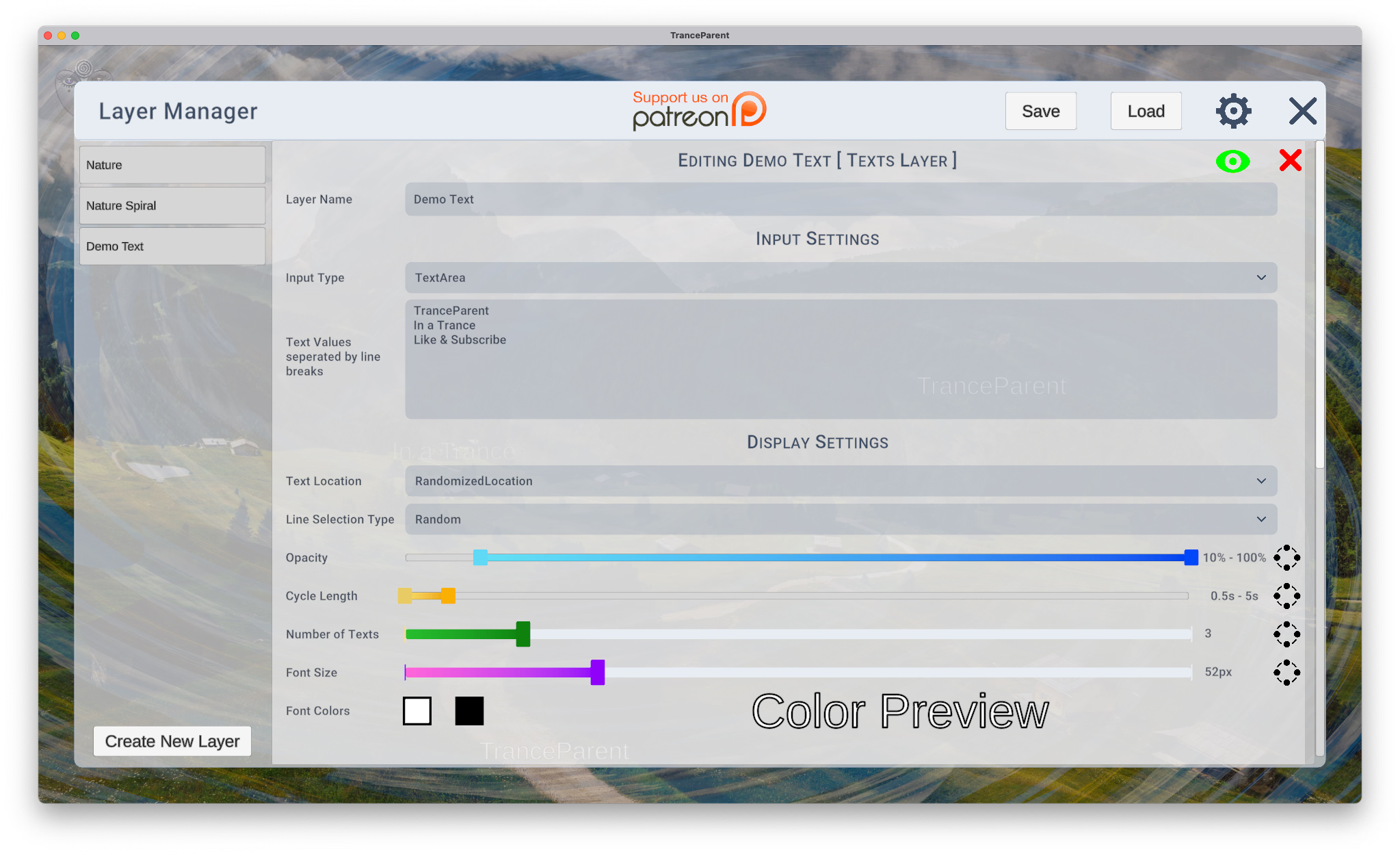
- Redesigned Text Layer Settings
- Fixed the bug with Randomized Location Avoid Center Text Location
- Added Bottom Text Location
- Added Top Text Location
- Converted Opacity into a multi slider type
- Converted Cycle Length into a multi slider type
- Converted Number of Texts into a multi slider type
- Merged Font Height and Font Width Range sliders into Font Size which is now a multi slider
- Merged the font colors into a single row for color and outline color (also fixed the bugs with them)
- Added a Color Preview next to the colors so that you can see what the text should look like
- Moved Spiral Settings behind new Effects Feature
- Click the spiral icon in the upper right of a media layer to add new Spiralfy Effect
- The sliders should now show up and allow you to change the settings which will apply to the layer
- Clicking the red X next to the effect section deletes the effect
- Fixed Android Bugs
- Save and Load buttons should now work on any version of android
- The settings button should now work on any version of android
- Fixed the bug that caused media layers to stop cycling and get stuck (they got stuck usually because of a codec error with webm files, it should now handle them gracefully)
- Fixed a bug where layer ordering drag and drop in the left menu sometimes didn’t work
- Fixed a bug that prevented the app from closing, requiring you to force close the app sometimes
See More
So this is a huge update. It fixes so many bugs and releases a new smart layer system. It also makes so much of the Layer Settings easier to use.
Instead of extra settings to change the position of the layer, you can now just drag and drop it in the left bar.
You can double click the layer name in the left bar to enable and disable it.
There’s a new Multi Type Slider system where range sliders can be toggled to normal sliders or input fields or even disabled just by clicking a button on the right side of the slider.
You’ll have to see it to believe it!
As Supporters you guys will be the first to get to test and use this version, please provide feedback so I can fix the bugs and make it even better!
Change Log:
- Layer Manager now allows drag and drop re-ordering of layers to determine the layer position
- Double clicking a layer in the left bar now enables or disables the layer
- New Multi Type Sliders are introduced in the Media Layer, these have a button on the right side that lets you choose how you want to set the value. Range allows you to select a minimum and maximum, Slider allows you to slide to select a value, Input Field allows you to type in your value and disabled allows you to disable the setting.
- New Smart Media Layer System, it now only shows the Media Folder and Name option until you select a folder. It then changes the settings displayed based on the types of media in this folder. This should simplify which settings show so settings that are not relevant don’t show up.
- Enable Toggle for layers now shows up as a button in the upper right when editing layer settings
- Delete Layer button now shows up in the upper right when editing layer settings
- Volume slider and mute button now merged into one Multi Type Slider
- Memory Leaks with GIF and Audio files are now fixed and should make the app work really well on even older devices
- Audio files now no longer lock up the app when they are being loaded
- Audio files now stream when loading so that they begin playing right away
- Other minor bugs fixed
See More
There were some bugs with App transparent settings and Android file browsing on some devices.
Patch Notes:
• Enlarged Settings and Close button
• Spaced out the buttons in the upper right corner of Layer Manager
• Fixed a bug with App transparency functions and settings not saving properly
• Fixed more bugs with Android file menus for selecting folders and save / load
See More
A somewhat minor release considering we just released version 0.4.0 yesterday, however there were some bugs I wanted to get fixed and there were some nice UI improvements made as well. Without further delay here’s what’s changed.
Patch Notes:
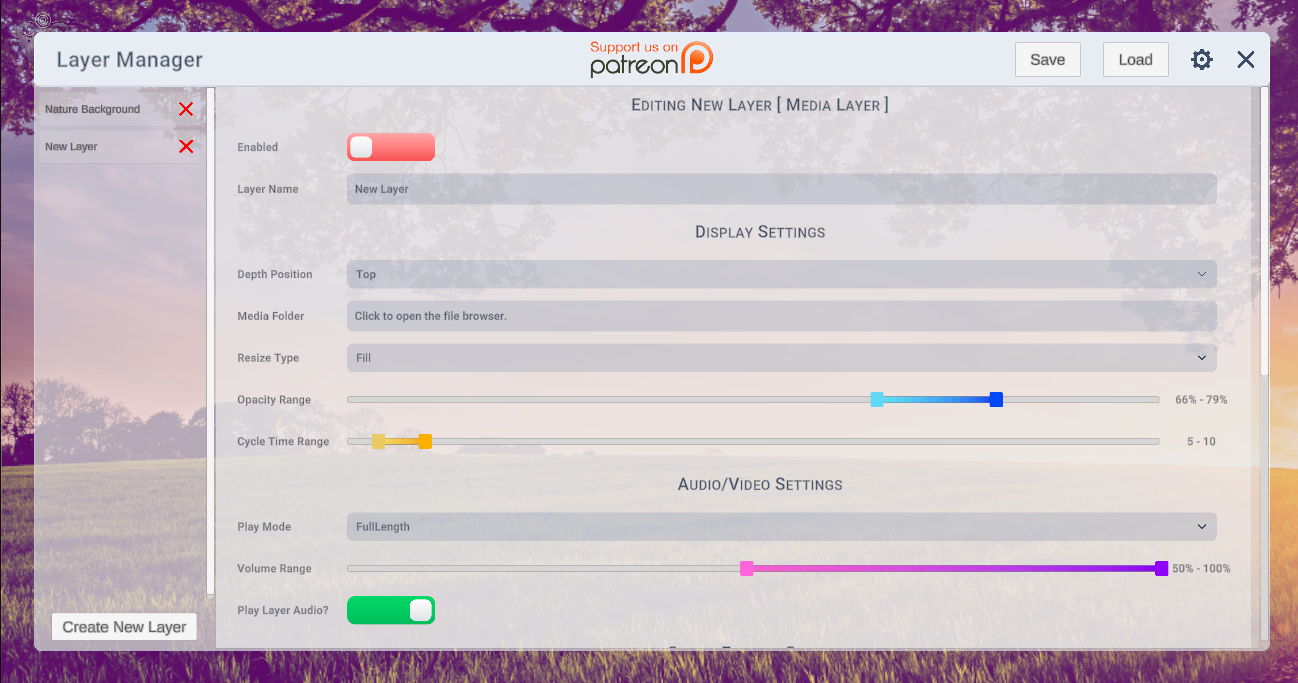
• Converted the Layer Manager to be semi transparent allowing you to see changes as you make them
• Added a label to the Media Folder Browse button saying “Click to open the file browser”
• Re-arranged and resized the buttons in the upper right of the Layer Manager to make them easier to click and interact with on Android ( and look better on all platforms )
• Other minor UI tweaks
See More
This is a rather big patch release, with our first new Layer since the original version! This layer type was requested on discord and now its here! Metronomes! We’ve also added WebP and WebM support to the app! All of these features were by request, and here, thanks to supporters.
Patch Notes:
• Added new Metronome Layer that allows you to create a dynamic metronome beat that you can customize
• Added support for WebP and WebP animation ( However for now animation only shows the first frame as there were bugs with playing the animations )
• Added support for WebM ( VP9 codec isn’t supported however and will cause the video to be blank until the next video plays )
• When selecting a Layer folder it will now wait until you enable the layer to play
• When selecting a Layer folder or save or load, it will remember the previous directory and start you there.
• Play Full Length for Videos no longer is bugged and shouldn’t have to be toggled on and off every time
• On Deleting a layer, it will now close the edit layer menu on the right side
• Binaural amplitude, frequency offset and base frequency now properly accept decimal numbers rather than just integer ( whole numbers ) when editing Binaural layers.
• Support to browse, save and load now should work for all versions of android
• The menu button to open the Layer Manager was slightly increased in size to make it easier to click on when using android. It was also lowered in opacity so it doesn’t obscure when not actively being hovered.
• The bug that occurred when clicking the Layer Manager button more than once where it would open up multiple layer managers is now fixed
• The privacy policy window now should scale to fit the window properly and not look buggy
• The privacy policy window now should scroll properly
EDIT:
Updated to 0.4.1 to fix a bug with the privacy policy agree button not letting you enter the app.
See More
Fixed bugs with Full Screen Toggle Setting
Fixed bugs with Transparent App Setting
Fixed bugs with Always on Top Setting
Fixed bugs with Allow Click through Setting
Fixed bugs with Multi Slider and Slider type settings so that their handles cannot be overlapping
Fixed bugs with Video Play Types Randomized Start and Full Length
Fixed animated gif Playback to play with the correct speeds
Added support for Video Play Type Full Length to gif Playback
Other Misc Tweaks
See More
The UI for the Layer Manager and Settings Menu has been majorly cleaned up and overhauled. Its also changed so that it will fill more of the screen and be spaced out a bit more so that its easier to use on android.
Bug fixes also applied for the Layer Manager Button’s position and some of the bugs in the Settings menu.
v0.3.0 Release
Developer Notes:
See More
Current Unlock codes from Patreon are “deeper625” for the Supporter Role and “inatrance625” for the Hypno Enthusiast Role. Please support us on patreon if you can though!
You can record videos of your sessions by pressing Ctrl/Cmd + R to start and stop recording.
The arrow keys allow you to switch selected layer ( up and down ) and goto the next media file ( left and right )
Layer Types:
Media: Supported formats – gif, jpg, png, bmp, mp4, mov, ogv, mpg, m4v, mp3, ogg, wav, flac, aif, webm, webp
Cycles through a folder of media files randomly displaying them with different effects and transparencies on the layer level you choose.
Text: Displays lines from a text file or text area randomly throughout the screen with font sizes, colors and outlines you choose.
Binaural: Plays a Binaural beat to help change the state of the listener’s mind making them more suggestible or whatever else depending on the frequencies you set
Metronome: Plays a metronome sound effect that is customizable with settings for sound type, tempo and beats per bar
Videos:
See More
Pussy Worship Demo – Zoey
Eat Your Cum – Zoey
Content Packs and Community Uploads:
See More
| Title – Uploader | Post | Link(s) | Description |
| Pussy Worship Pack – Zoey | Discord | MEGA | 6 Layers with 3 audio files, 84 static pictures and 5 gifs featuring themes of becoming a slave to pussy |
| Eat Your Cum – Zoey | Discord | MEGA | 7 Layers with 3 audio files, 83 Caption Images, 235 Regular Images, 9 Spiral Videos, 166 gifs featuring themes of eating your own cum, eating the cum from your wife’s pussy after sex, cumming into your mouth and general CEI |
DOWNLOAD
Win: MEGA – GOFILE – MIXDROP – VIKINGFILE – WORKUPLOAD
Linux: MEGA – GOFILE – MIXDROP – VIKINGFILE – WORKUPLOAD
Mac: MEGA – GOFILE – MIXDROP – VIKINGFILE – WORKUPLOAD
Android: MEGA – GOFILE – MIXDROP – VIKINGFILE – WORKUPLOAD
Win: MEGA – GOFILE – MIXDROP – VIKINGFILE – WORKUPLOAD
Linux: MEGA – GOFILE – MIXDROP – VIKINGFILE – WORKUPLOAD
Mac: MEGA – GOFILE – MIXDROP – VIKINGFILE – WORKUPLOAD
Android: MEGA – GOFILE – MIXDROP – VIKINGFILE – WORKUPLOAD